
How to Use TripFlowy
Pick a city, trip length and start date for a blank plan, fill it with creator picks, then tune the route. Plus co-editing, sharing, the ledger and the app.
1. Start a plan
Start from the home page or Plan a trip. Plans are saved to your account (Google, Naver or Apple sign-in).
- Pick a city, set the trip length and start date, and your blank plan opens right away.
- Pick several cities and the days are split in the order you chose. You can't pick more cities than days.
- Trips run from a day trip up to 14 nights. Add flights and hotels after the plan is created.
2. Fill it with creator picks
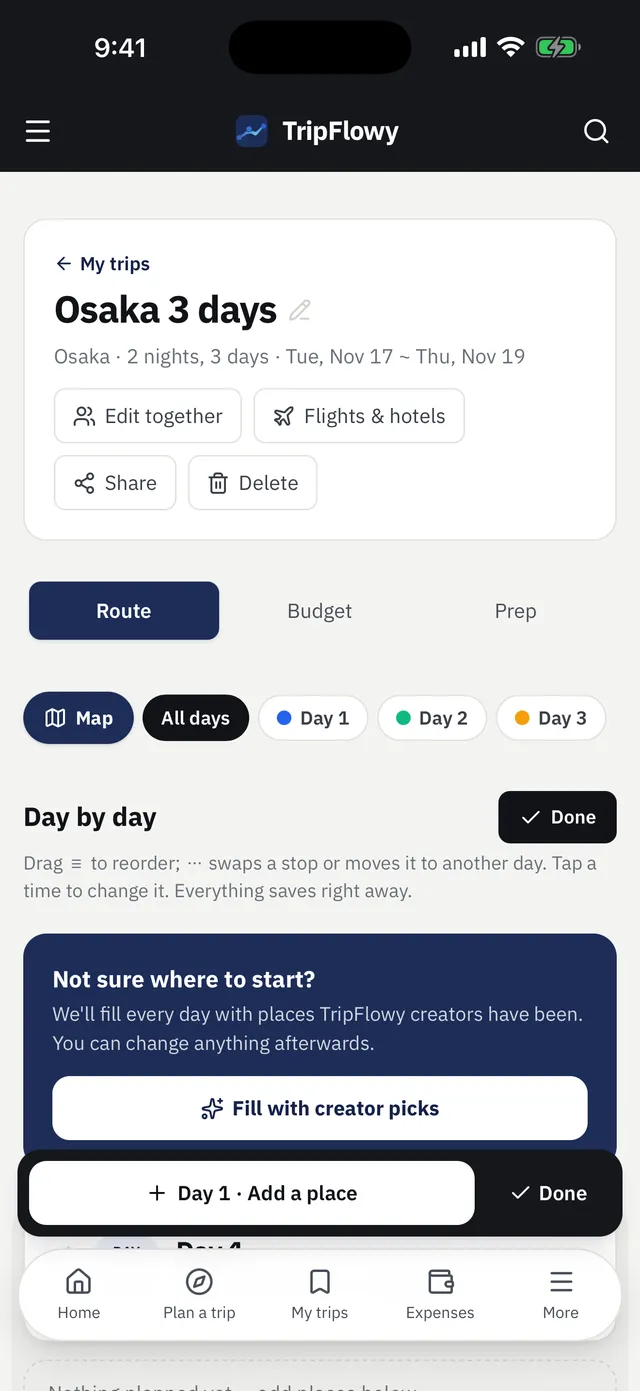
In a blank plan, tap Fill with creator picks to build daily routes around places our creators have been.
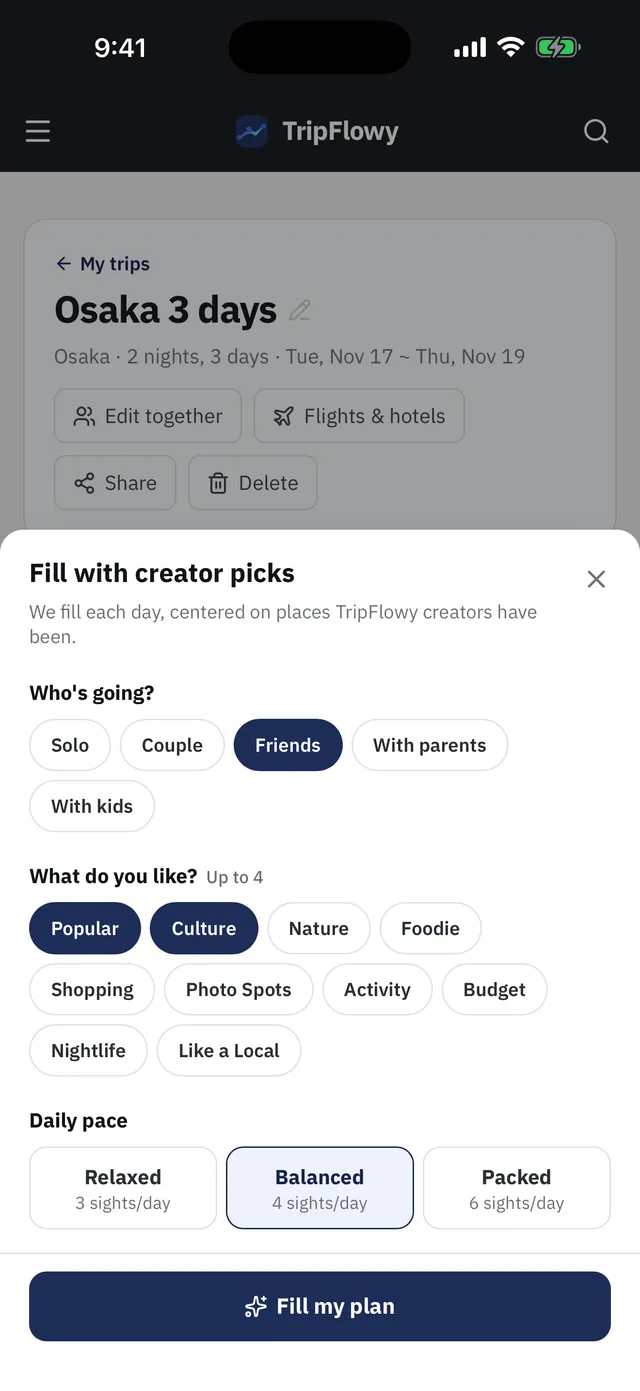
- Choose who you're traveling with, up to 4 trip styles and a daily pace (relaxed 3 stops, balanced 4, packed 6), then tap fill.
- Places you've already added stay put and only the gaps get filled. Add your must-sees first and the route forms around them.
- To add places yourself, use Add spot on any day: pick a TripFlowy spot, search by name, or paste a Google Maps share link.
3. Fine-tune neighborhoods and routes
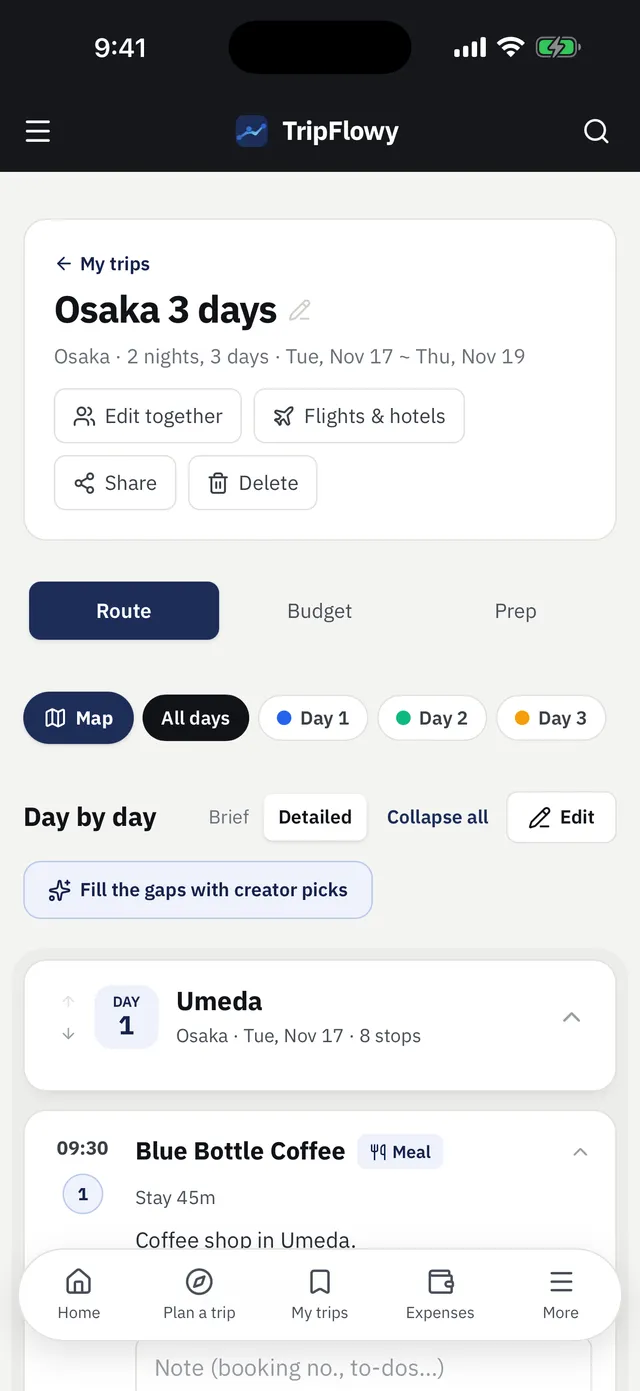
Every day can be reshaped by neighborhood and order.
- Set up to 2 neighborhoods per day and you'll see TripFlowy spots in those areas.
- Tidy route reorders the day by distance, meal times and opening hours.
- Swap, remove or move any stop to another day, and drag to reorder. Edit mode also lets you reorder whole days.
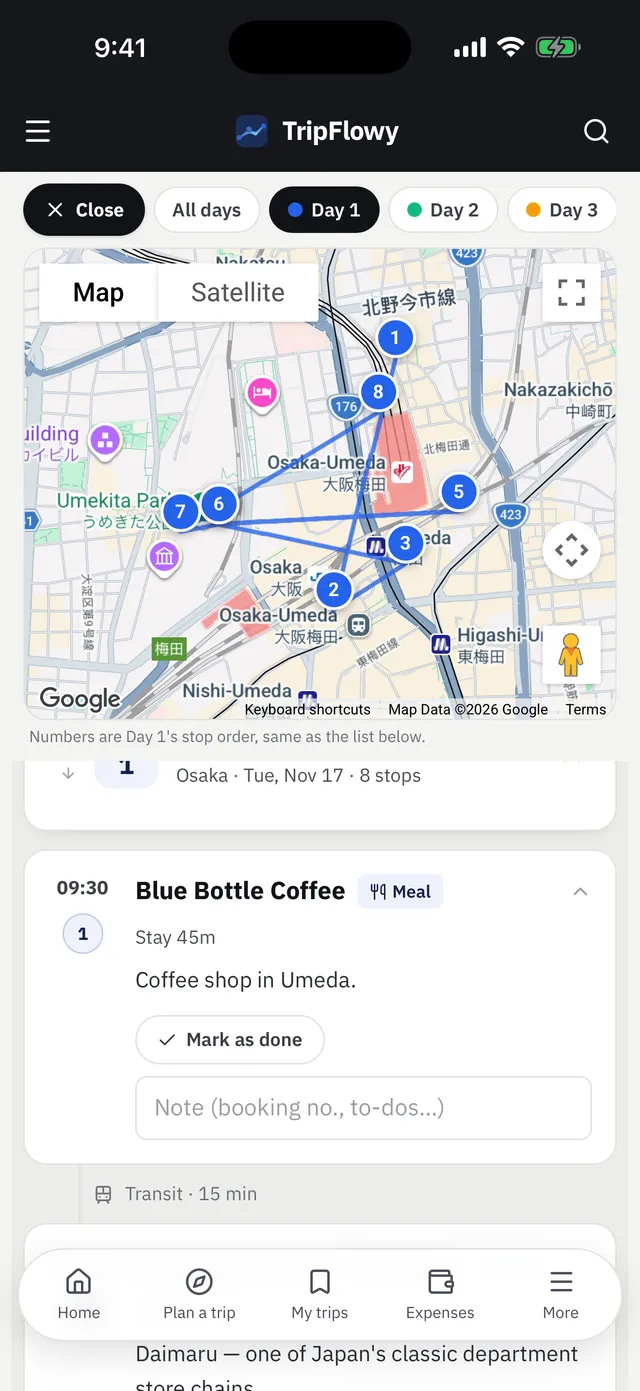
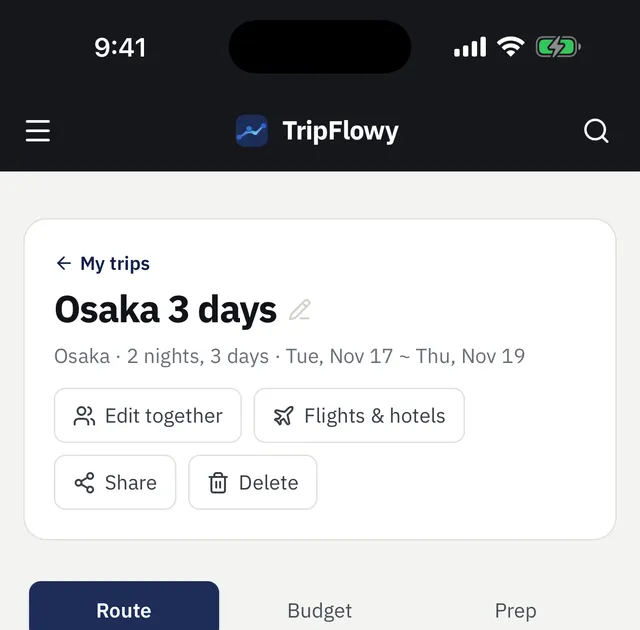
- Add arrival and departure flights and hotels under Flights & hotels. The map only loads when you tap to show it.
4. Use it on the road
Tap any stop for opening hours, time needed, cost per person, Google Maps directions and our guide to it.
- Tap Mark as done on places as you go. Finish the day and you'll see a done message.
- Save one shot per stop and they collect into a trip album (opens December 14, 2026).
- Send the plan's estimated budget to the expense ledger in one tap.
5. Plan together and share
Co-edit with travel companions, or send a view-only link to anyone else.
- Under Edit together, copy the invite link. Whoever opens it signs in and edits the same plan with you, up to 5 people.
- Share gives a view-only link anyone can open. Turn sharing off and links you've sent stop working.
- Plans you made or joined live in My trips, up to 50 per account.
6. Trip expense ledger
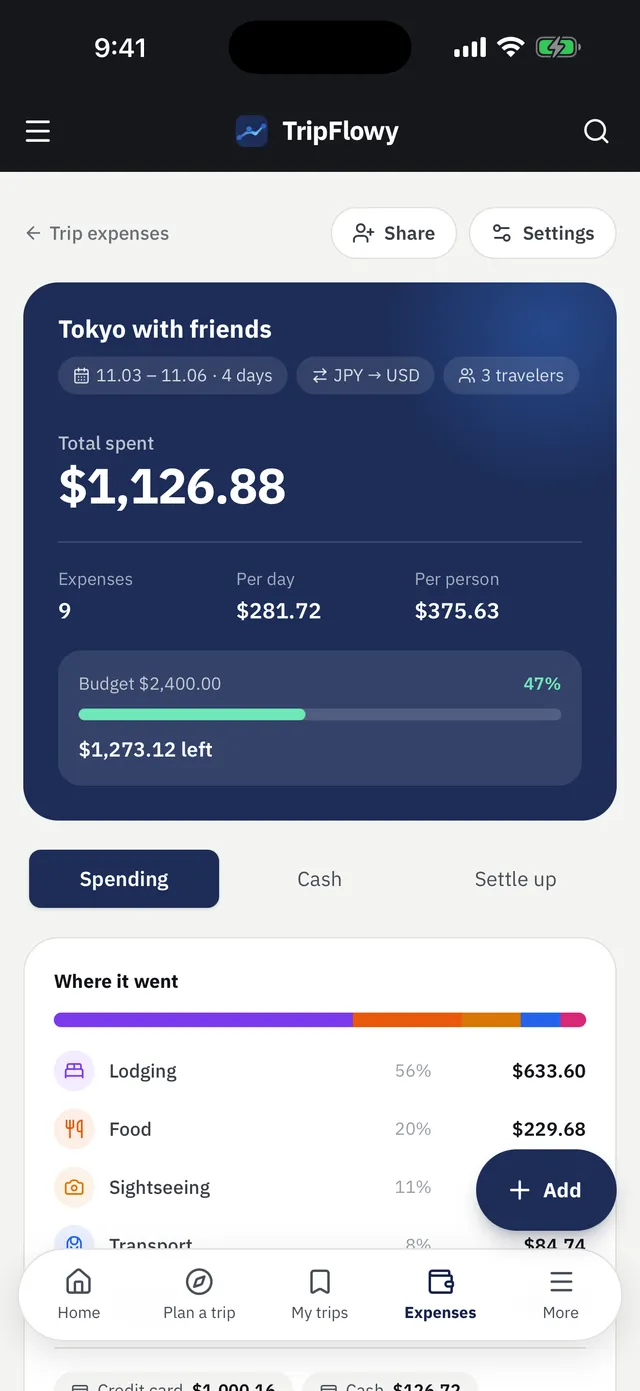
Log trip spending and settle up with your group. Sign in to use it.
- Create a ledger with one or more trip currencies plus your home currency, and totals show in your currency. 18 currencies are supported.
- Add an expense with amount, payment method and category, and it converts at that day's rate. You can also type the actual card charge.
- Log cash exchanges and cash spending uses your average exchange rate, with the cash left shown.
- Record who paid and who shares each expense, and Settle up shows who owes whom. Use Track together to let your group add expenses too.
7. Guides, city pages and day courses
Worth a read before and after you plan.
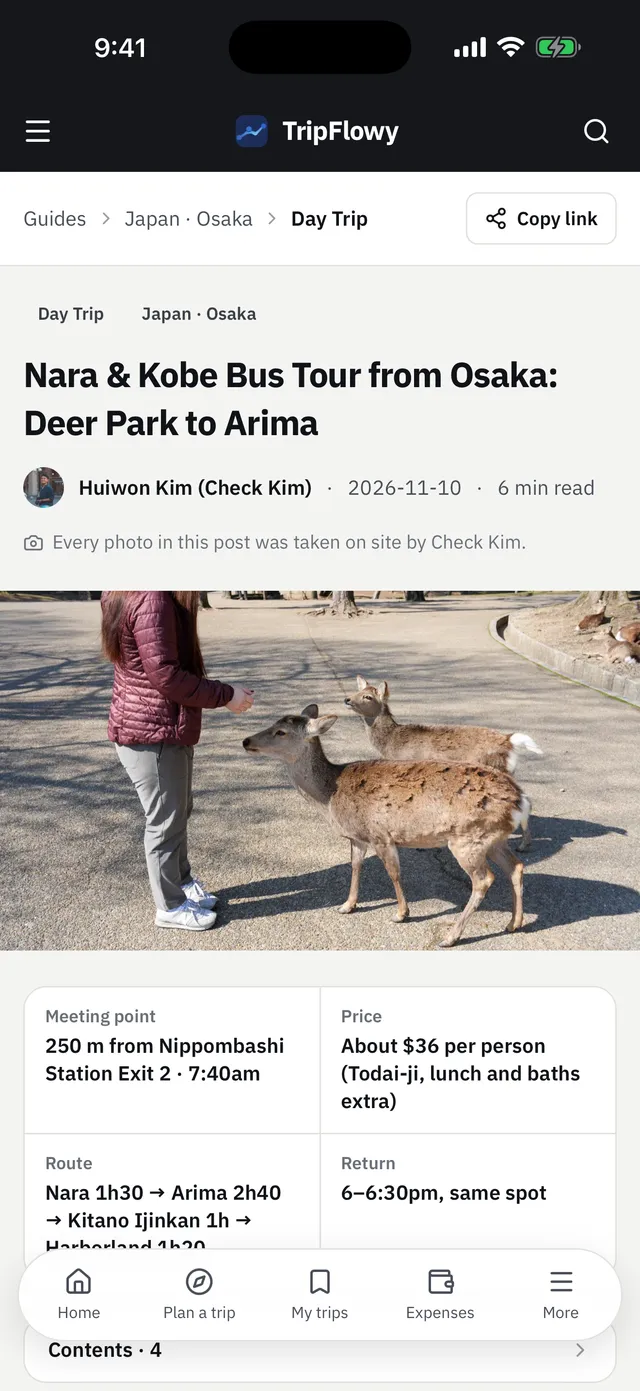
- Guides cover tickets, booking and food from creators' own visits. Inside a plan, Guides for this plan shows only the ones that match your stops.
- City pages gather TripFlowy spots, top courses and FAQs for each city.
- Day courses are ready-made routes by neighborhood. Open one in the planner and use it as is or tweak it.
8. Use the app
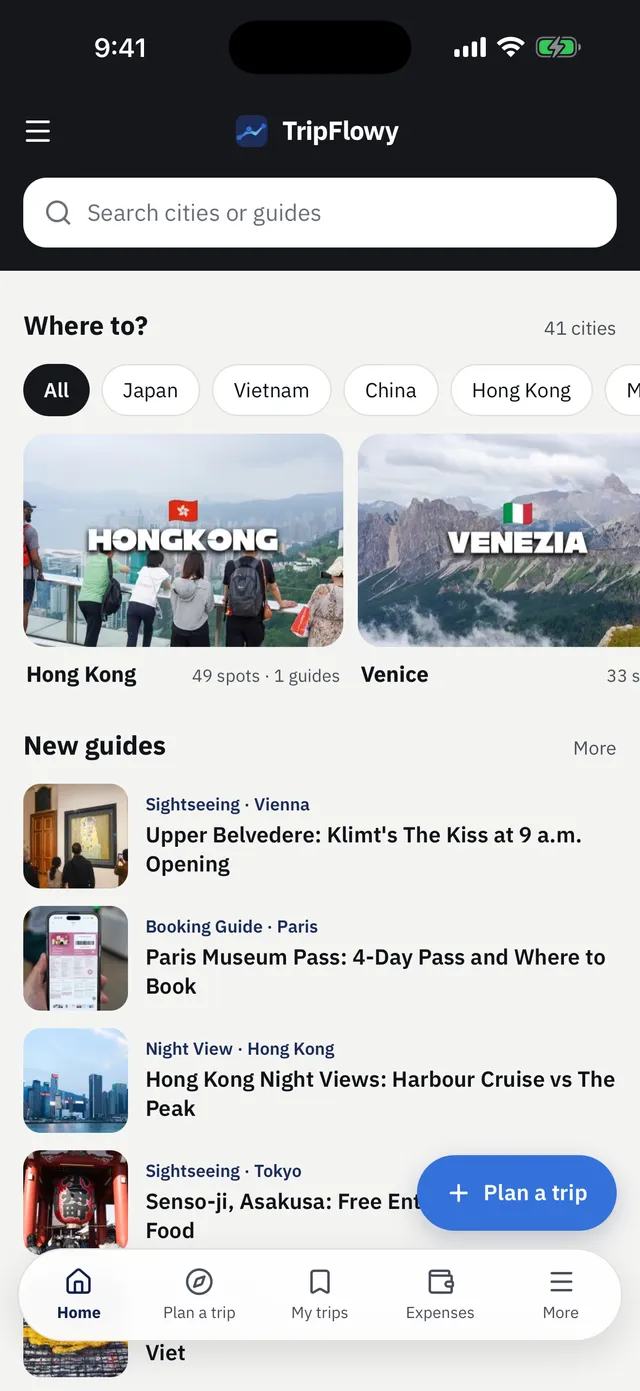
The iPhone app is free on the App Store, with plans, the ledger and trip countdown alerts in one place.
- The Android app is coming soon. Until then, install TripFlowy to your home screen from Chrome (Install app).
- Web and app share your account, so a plan made on the web opens in the app.
FAQ
Do I need an account to make a plan on TripFlowy?
Yes, plans and ledgers are saved to your account, so you need to sign in with Google, Naver or Apple. Shared plans and guides can be read without an account.
Will filling with creator picks replace places I added?
No. Places you've added stay where they are and only the empty slots get filled, so add your must-sees first and the route forms around them.
Can I edit a plan together with friends?
Yes. Send the invite link from Edit together and up to 5 people can edit the same plan. For people who only need to look, send the view-only share link.
How does the expense ledger handle exchange rates?
Card payments convert at the rate on the payment date, and cash uses the average rate from your exchange records. You can type in the actual card charge once you know it.